
We have received several questions about this. Some of you may want to change your plans -- maybe you prefer behind the goal, want to see Croatia vs England after all, or want to switch to a credit card with a higher limit. Today, we will explain how to cancel tickets you have already entered.
Visual Guide: The Lottery Application Process
Let us walk through the actual cancellation steps. The process is the same on both smartphone and PC.
Step 1: Go to the Lottery Application Screen
FIFA official websiteAfter signing in, when a card like this appears, press"View Details" .
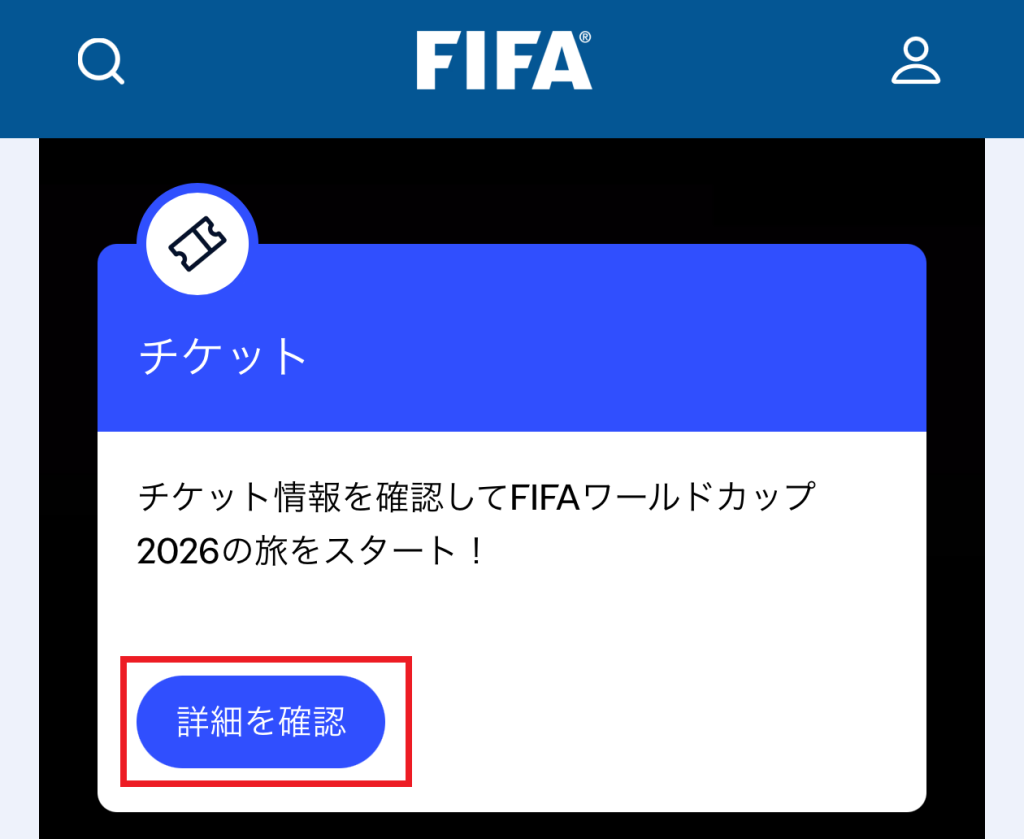
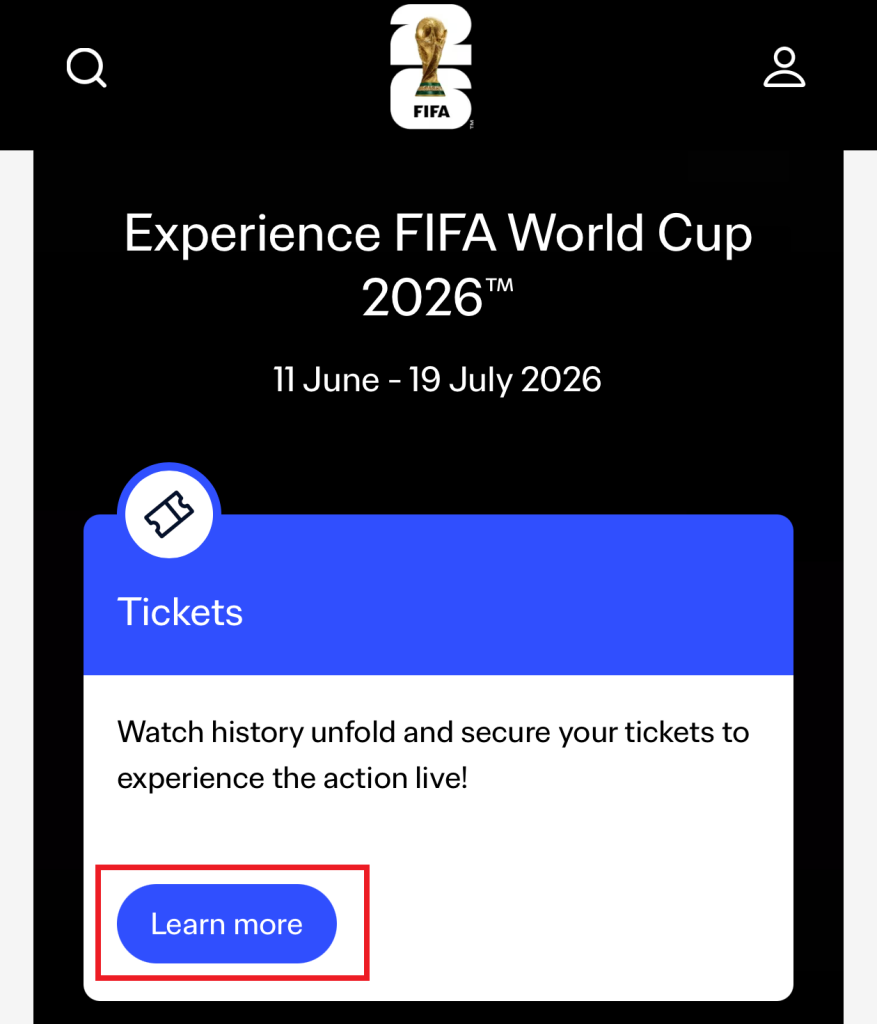
If you do not have auto-translate turned on, the screen will switch to English. Do not worry about that.
On the English screen, Learn moreappears again, click it once more.
You will then be asked to enter your ID credentials that you created previously. Please log in.
If not much time has passed since you created your ID, you may be taken directly to the one-time password screen. If enough time has passed, you will see the ID (email) and password entry screen first (followed by the one-time password screen).
Then,
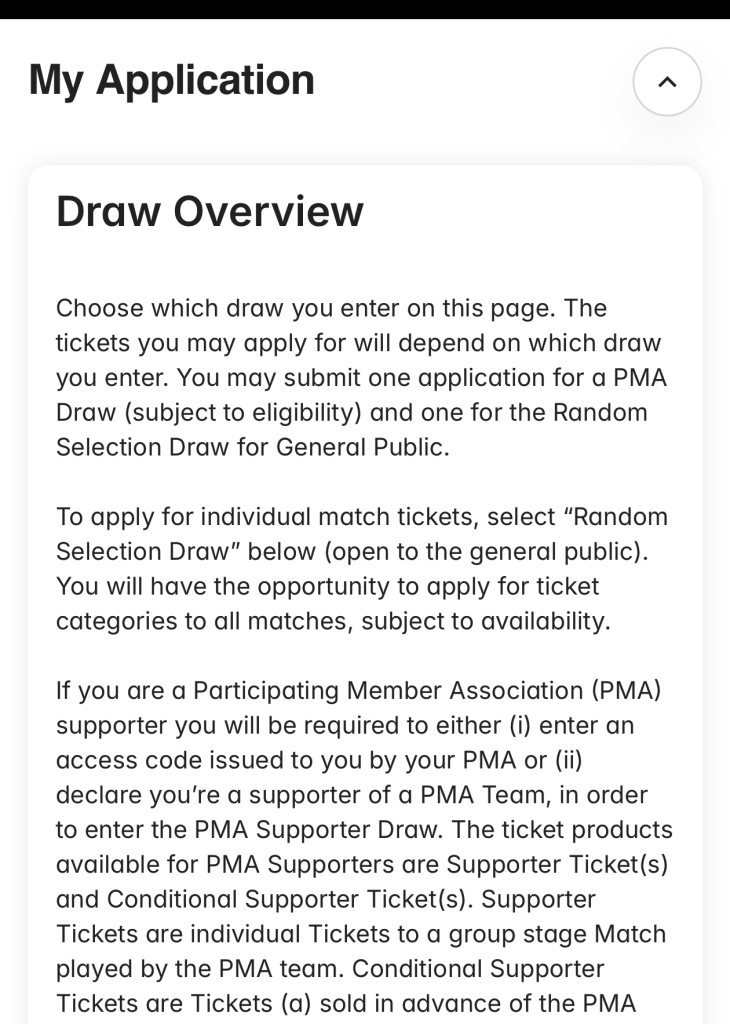
a notice will appear, but you can ignore it and press Continue to proceed.
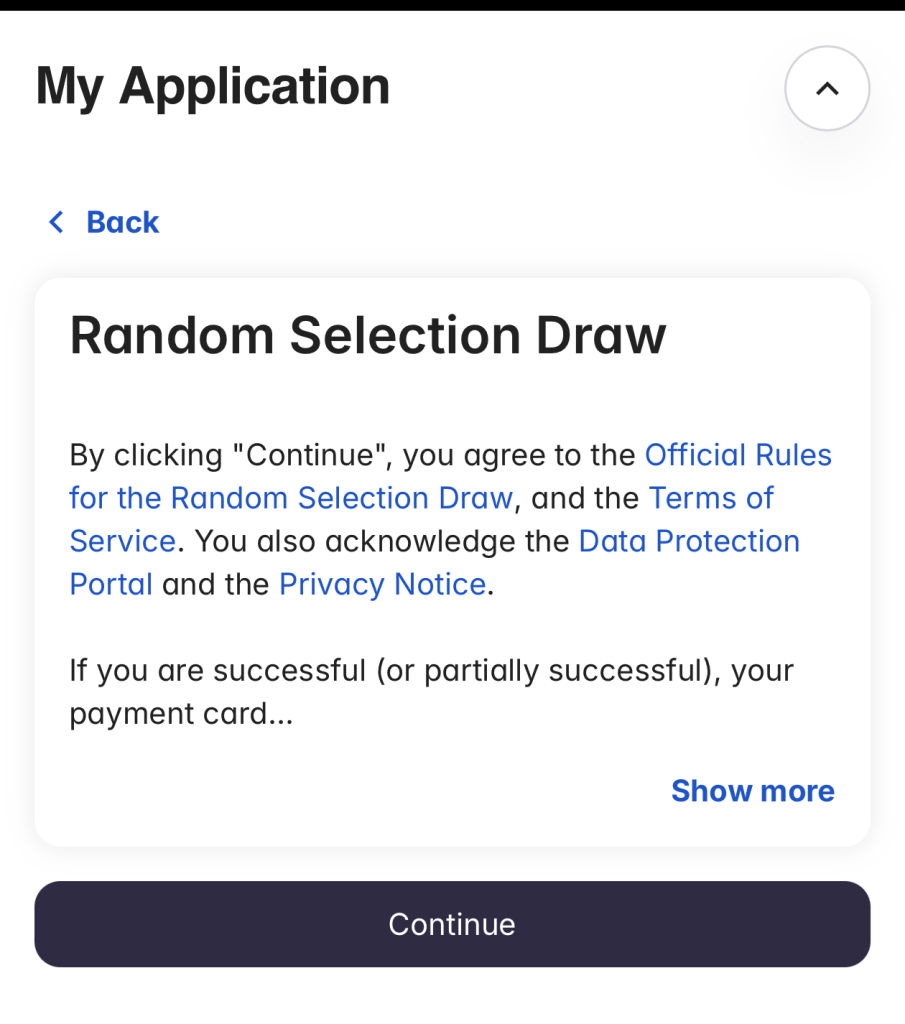
Step 2: Go to the Confirmation Screen for Your Existing Application
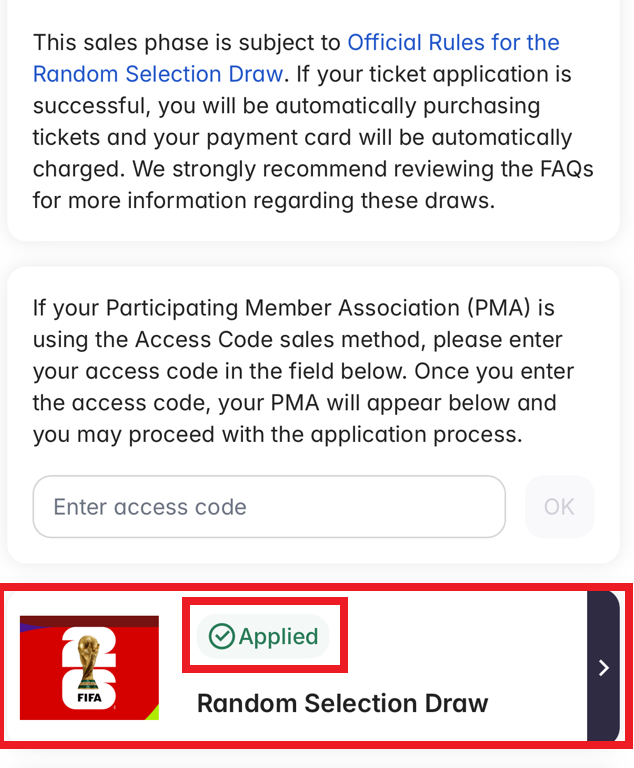
You will then see the ticket selection screen. Below, we look at the case where you applied via Random Selection Draw (for pitchside seats).
If you have already completed your application,“Random Selection Draw”.”the section that says“Applied”.”will show as completed.
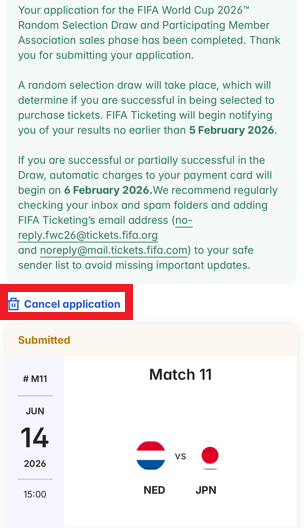
Click on Random Selection Draw again, and you will see the card for the match you applied for. Find and clickCancel application.
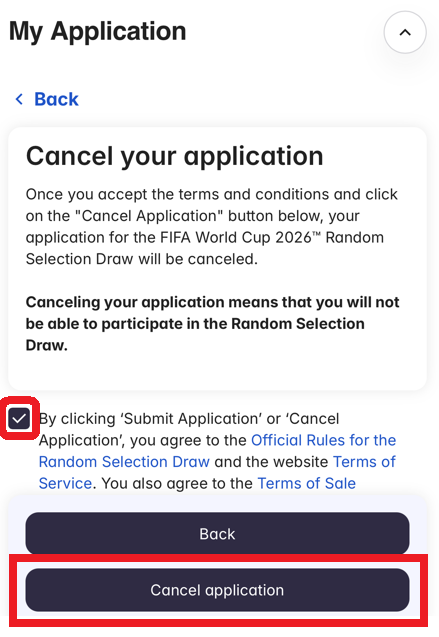
A confirmation screen will appear. Check the box to confirm you are okay with cancelling, then press Cancel application to complete the process.
To reapply, just follow steps 2 or 3 from our blog. If you want to change your card, add a new credit card and check the box next to it.
That is a brief guide on how to cancel your application.
I myself have already cancelled and re-applied 5 times after much deliberation.
You can cancel as many times as you like until January 13, so keep going until you are satisfied!


Comments